Your booking link
One link. Clients book themselves.
Share your link anywhere. Clients see only your free times, book in a minute and get a confirmation email.
- No account needed
- Move or cancel online
- QR code
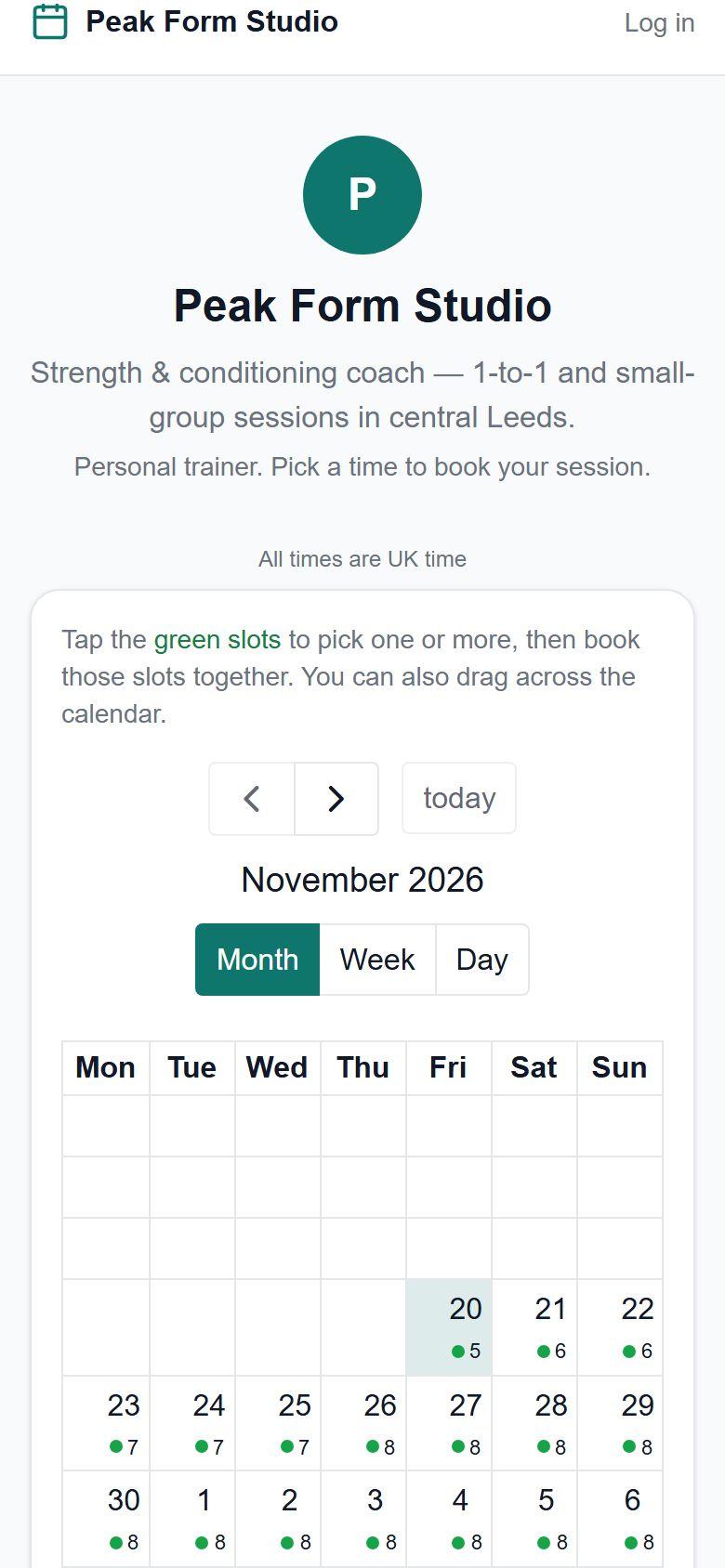
Share your link anywhere
Paste your link into WhatsApp, Instagram or a text. Or print your QR code for the gym wall.
- Copy the link from your home screen
- Change the link, and the old one still works
- Clients can find you on Google too
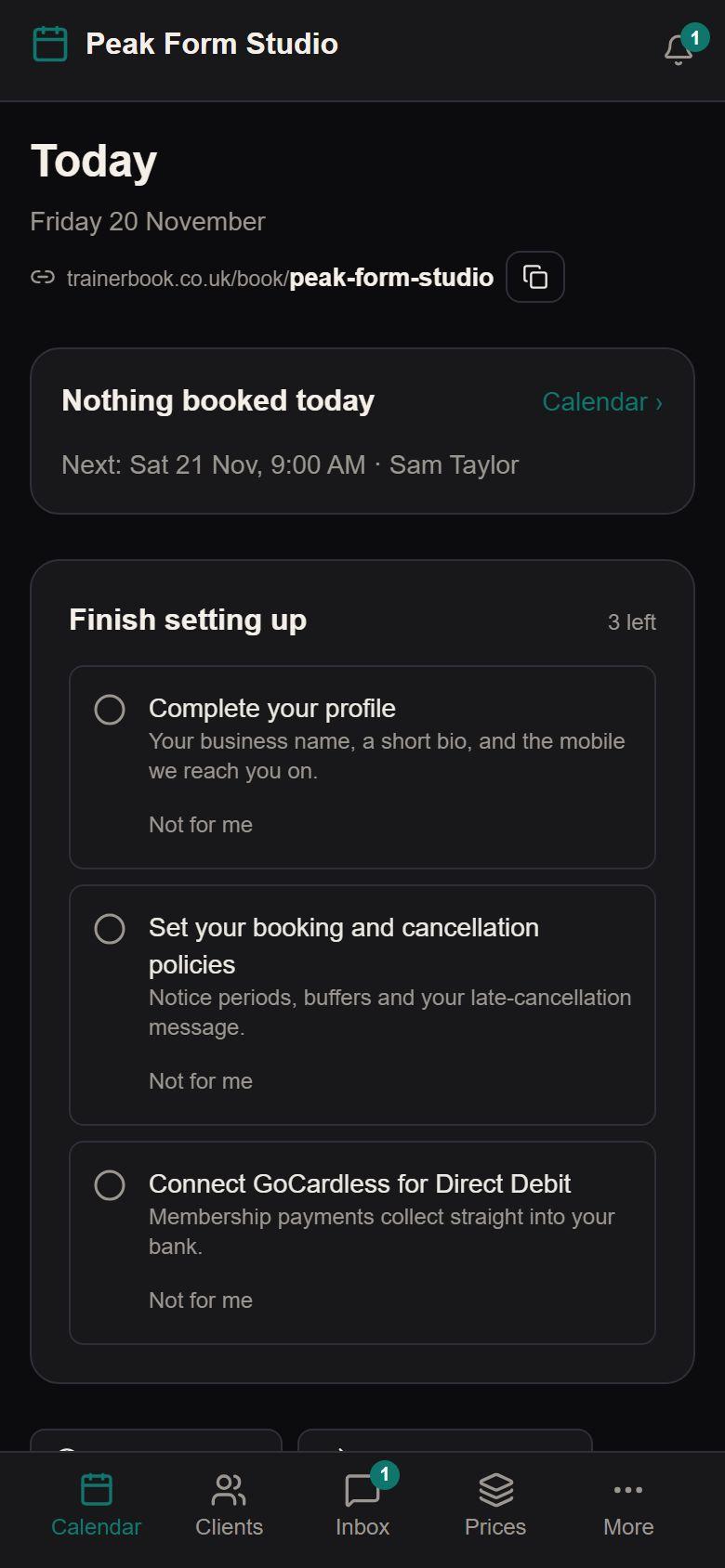
Booked in a minute
Clients pick a free time, then give their name and email. No account and no app needed.
- Taken times show greyed out
- Book several sessions together
- A calendar file in the confirmation email
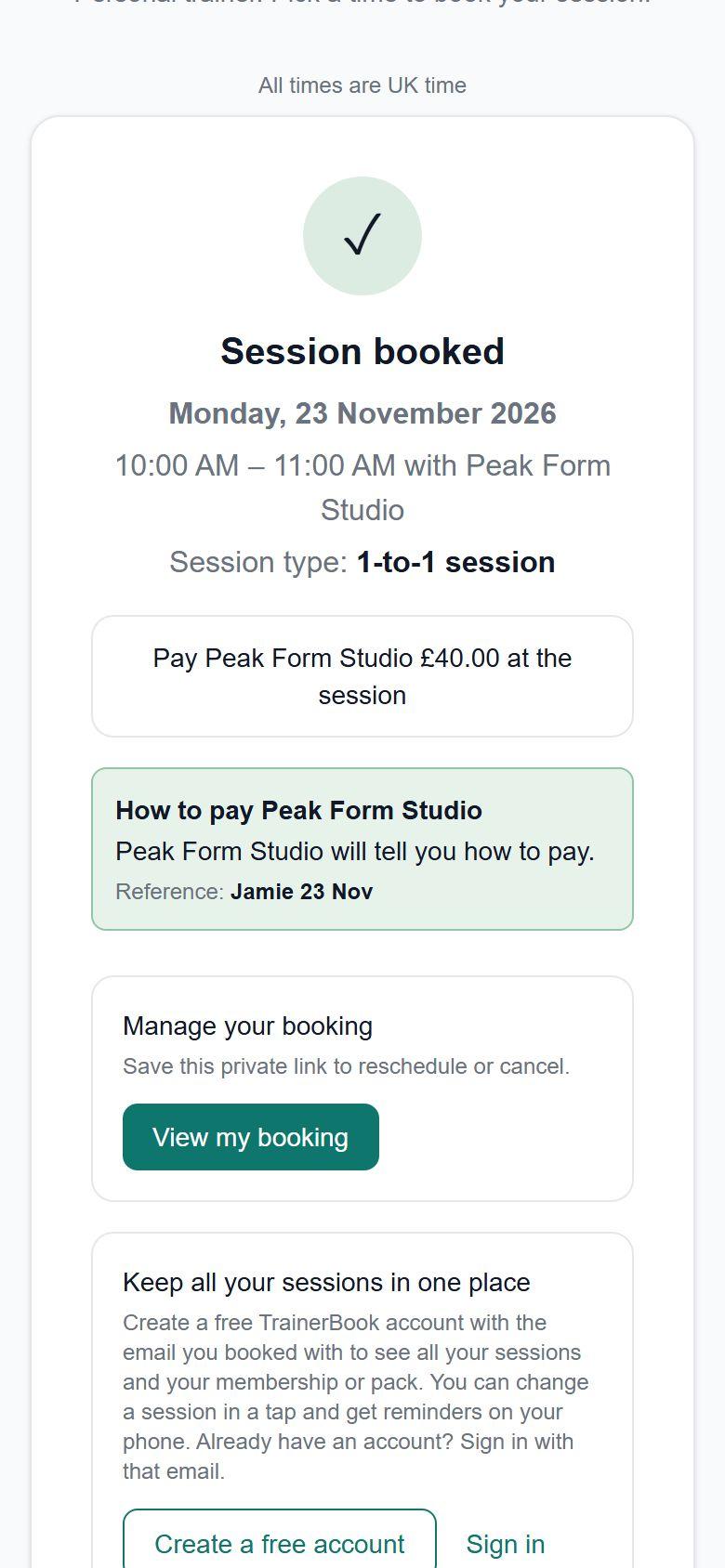
Move or cancel without a phone call
Every confirmation has a link to manage the booking. Your cancellation rules decide what counts as late.
- A free login keeps every session in one place
- A reminder before every session
- You hear about every change
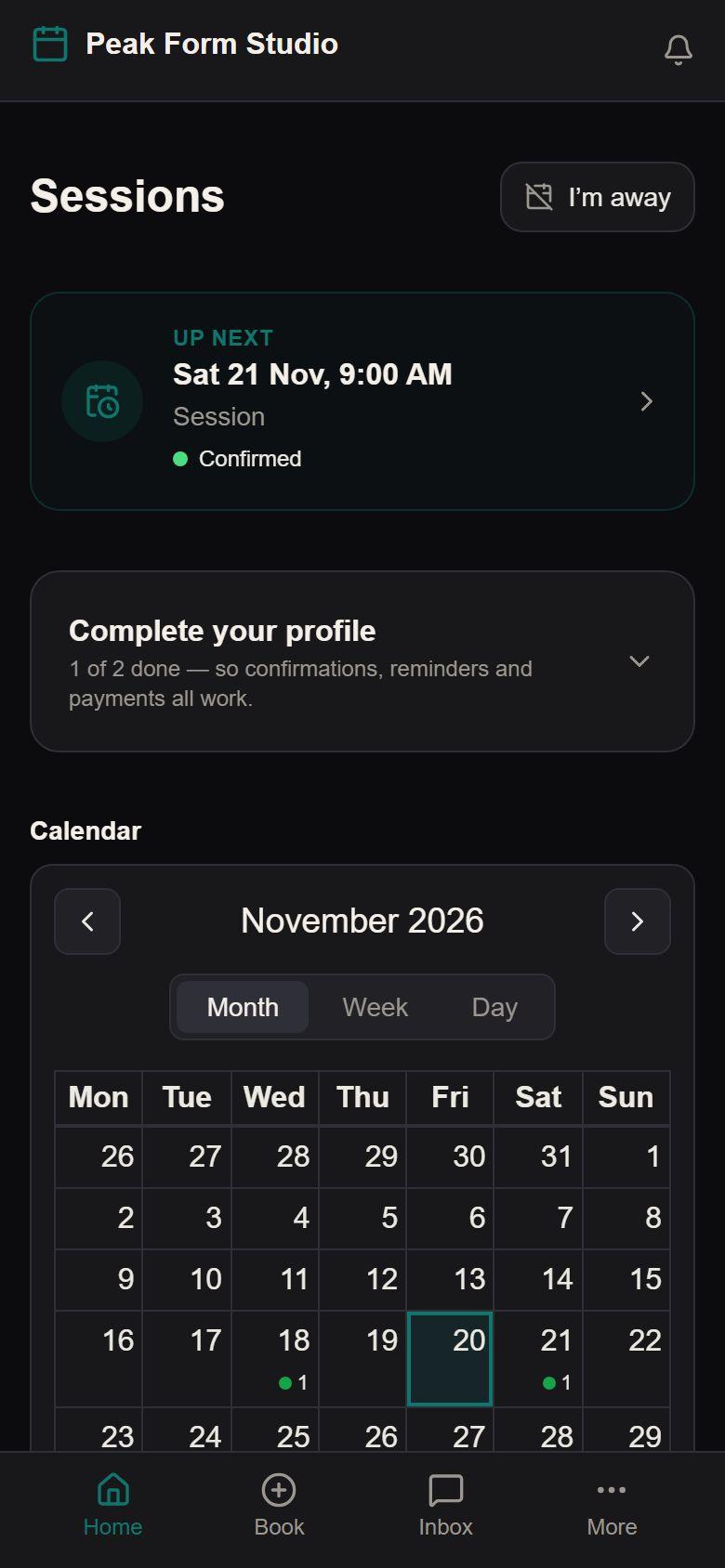
Set up in three steps
- Set your hours
- Copy your booking link
- Share the link with clients
Live from the day you join. Your booking page works the moment you sign up, free for up to 3 clients.
Questions trainers ask
Do my clients need an account?
No. Clients book with their name and email. A free login adds the app, every session in one place and messages with you.
Can I approve each booking first?
Yes. Turn on Review each booking request in Settings → Booking preferences. Each booking then waits for you to confirm or decline. The time is held while the request waits.
Can I change my link?
Yes, in Settings → Profile. Your old link keeps working, so links you shared before never break.
Can new clients find me?
Yes. While Show me in Find a trainer and on Google is on, clients can find you by name or business. The setting starts on, in Settings → Booking preferences.
More from TrainerBook
- Calendar & hours Set your hours once. Clients only book when you’re free.
- Payments Card, Direct Debit and sessions packs, paid straight to you.
- Reminders & branding Automatic reminders, and your own colours and logo.
- Messages Chat with clients who use the app, or message them all at once.
- Gyms & classes Group classes with a waiting list, and one page for your gym.