Messages
Every chat, in one inbox
Chat with clients in the app, with photos and PDFs. Send one note to everyone, and replies come back to you privately.
- Live chat
- Photos and PDFs
- Message everyone
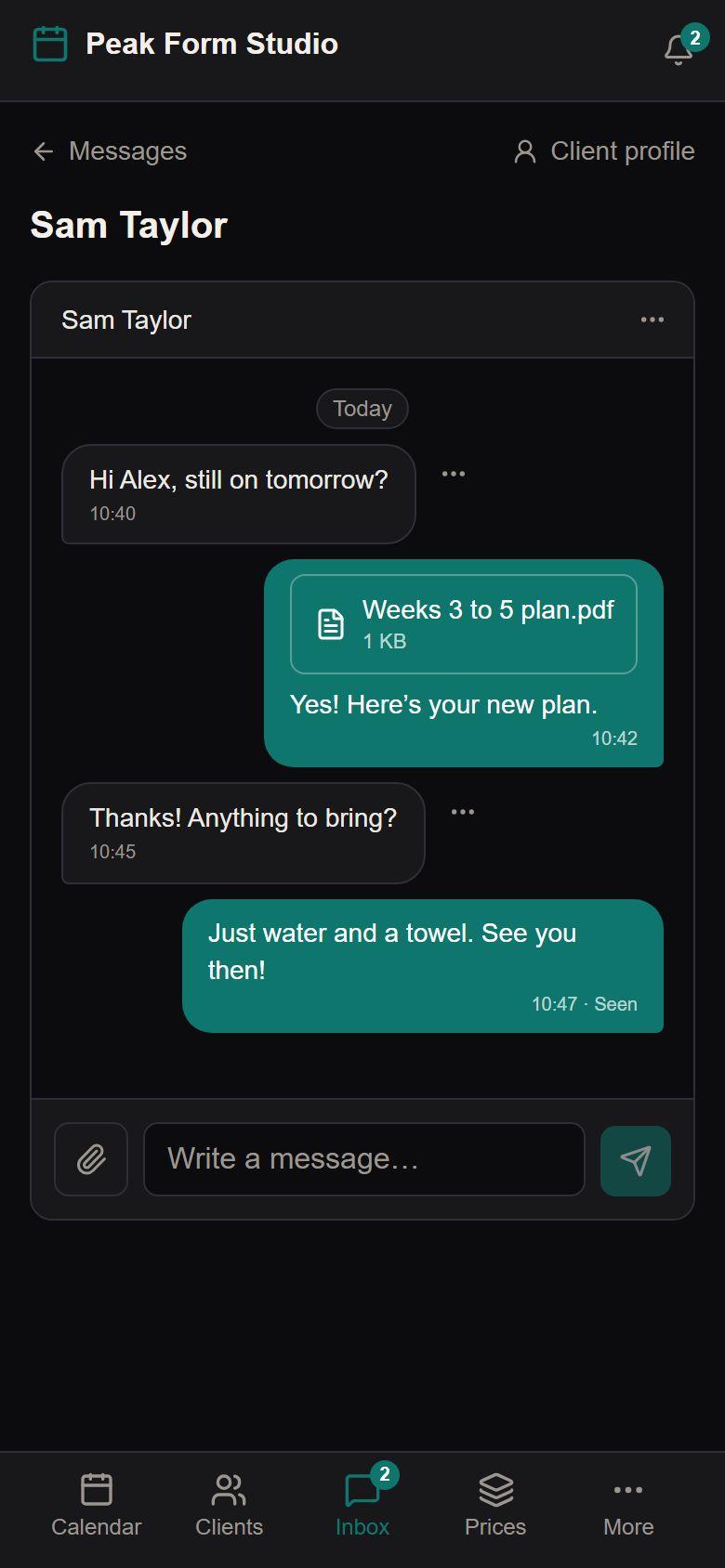
One to one, live
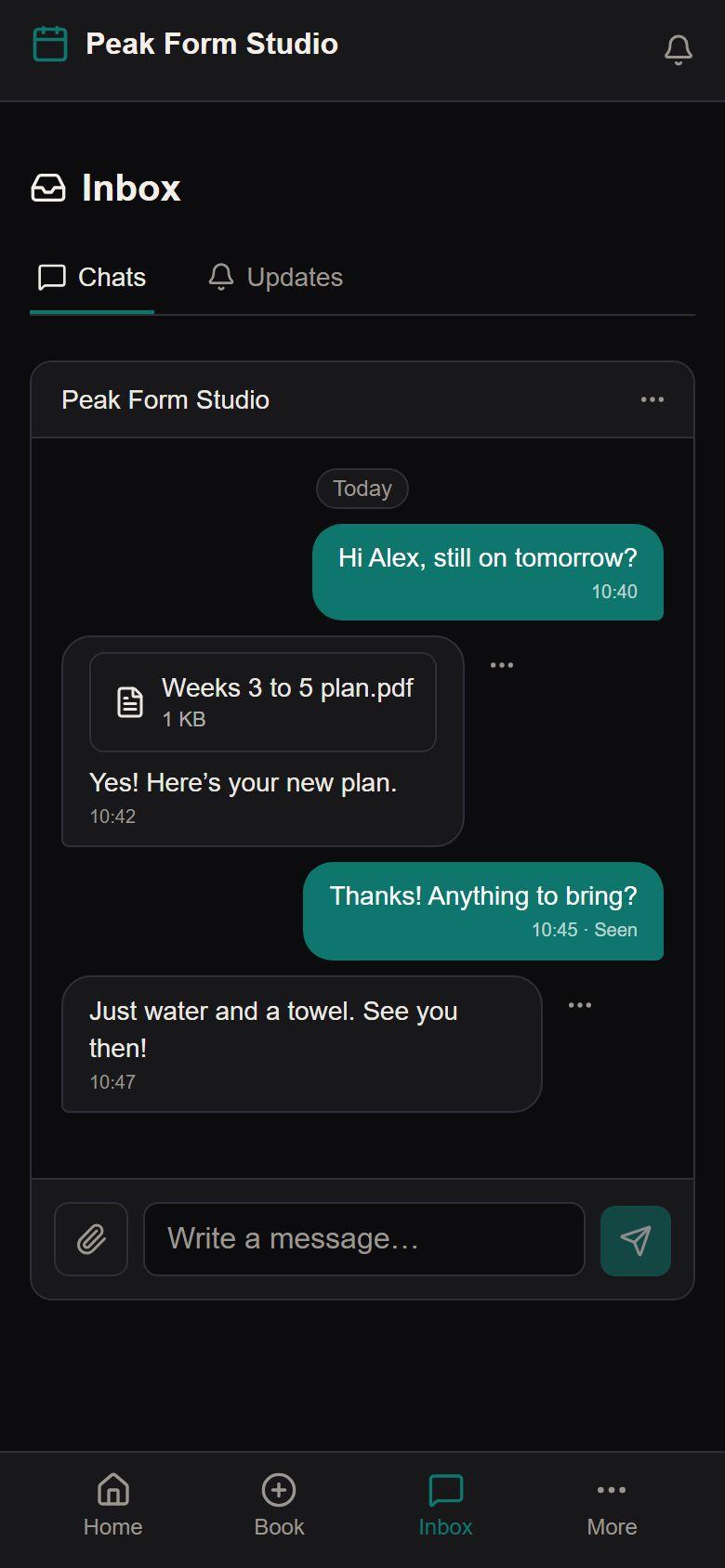
Messages appear live for both of you. An unread badge shows until the conversation is opened.
- Photos and PDFs up to 10 MB
- Location details taken off photos
- Attachments stay between the two of you
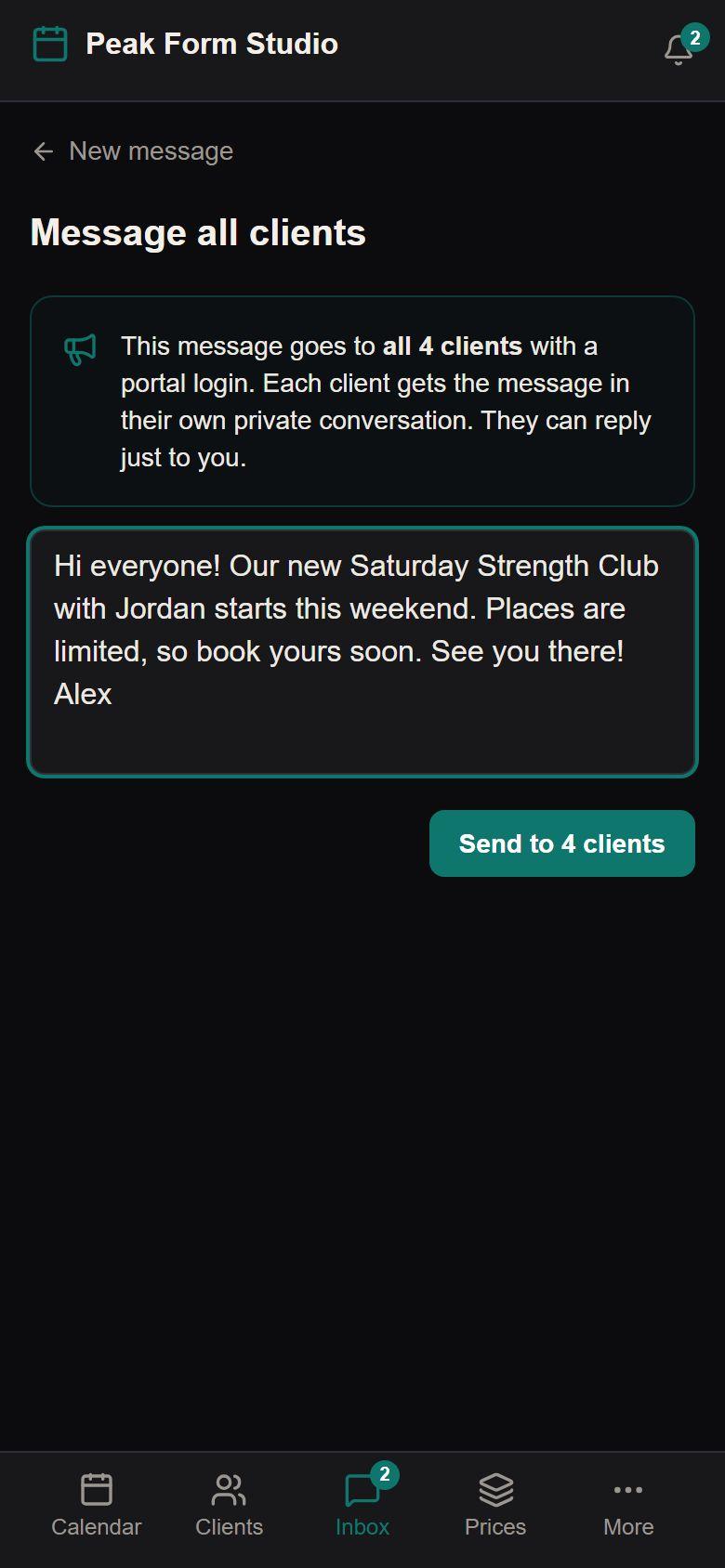
One note to every client
Write once, and the note lands in each client’s chat. Each client replies to you privately.
- Reaches every client who uses the app
- Replies stay one to one
- The note stays in each chat
Set up in three steps
- Open your Inbox
- Tap New message
- Pick a client, or message all clients
Chat needs a free client login. Clients sign up with the email they booked with. Until then, you see a short note instead of a chat box.
Questions trainers ask
Can I send photos and PDFs?
Yes. Tap the paperclip to attach an image or a PDF, up to 10 MB. Attachments stay private to the two of you.
Can I message all my clients at once?
Yes. Tap New message, then Message all clients. The note reaches every client with a login, and replies come to you privately.
Where do booking updates go?
Under Updates in your Inbox, beside your chats. The bell at the top opens the same list.
Should health details go in chat?
No. Keep medical details out of chat. Health answers belong in your intake form.
More from TrainerBook
- Your booking link One link. Clients book, move and cancel without an account.
- Calendar & hours Set your hours once. Clients only book when you’re free.
- Payments Card, Direct Debit and sessions packs, paid straight to you.
- Reminders & branding Automatic reminders, and your own colours and logo.
- Gyms & classes Group classes with a waiting list, and one page for your gym.